
 Install from your browser
Connect the board to this computer by USB, then press the button for your board. Your browser asks which serial port to use: pick the board's (often "USB JTAG/serial debug unit").
This needs Chrome, Edge or Opera on a desktop or laptop (they can talk to USB serial devices). Firefox and Safari can't, nor can phones.
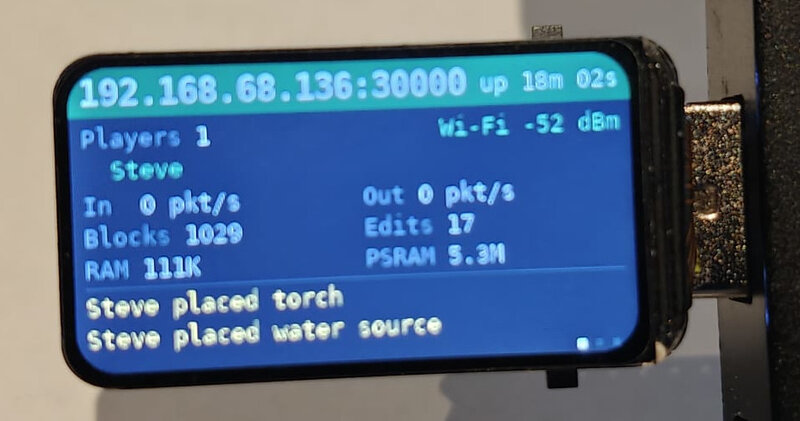 Waveshare ESP32-S3-LCD-1.47
The USB stick with a 1.47" screen and a microSD slot.
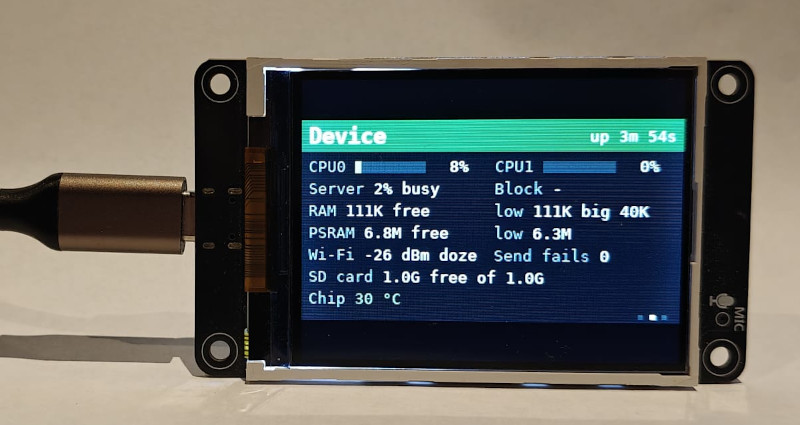 LCDwiki ES3C28P or ES3N28P
The boards with a 2.8" screen (with or without touch).
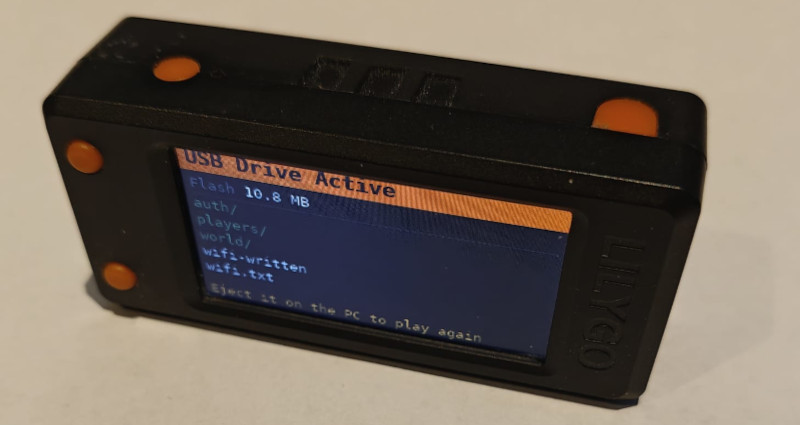 LilyGO T-Display-S3
The board with a 1.9" screen and two buttons. It has no SD card slot, so the game is kept in the board's own flash (about 11 MB).
 Things to know
- Erasing: the installer offers to erase the board first. Erase on a board that has never run Minetest on a Stick. On an update, don't erase: a game kept in the board's own flash (with no SD card) would be lost. A game on the SD card is never touched.
- If the board isn't found: hold its BOOT button, press and release RESET (or plug the board in while holding BOOT), let go of BOOT, and try again. Close any other program using the port, such as a serial monitor.
- An SD card (FAT32, any size) is best: the world, accounts and players are kept there. Without one (and on the T-Display-S3, which has no slot), the board keeps the game in its own flash, and erasing the board erases the game.
 After installing
- The board restarts and, with no Wi-Fi network to join yet, starts its own hotspot. Its screen shows the hotspot's name and password, and a QR code for a phone's camera.
- Join the hotspot with a phone or laptop and open http://192.168.4.1 in a browser: the settings page.
- Add your Wi-Fi network, and press Save and restart on Wi-Fi. The board joins it, and its screen shows the address to use.
- In Luanti, open Join Game, enter that address and port 30000, and pick a name and password. The first player to log in becomes the administrator, so make that you.
To get back to the settings page later, hold BOOT for a second just after the board starts: it starts the hotspot instead of joining Wi-Fi.
 Other ways
The firmware files are also on the releases page, one per board, each a single image to write at address 0, with espflash or esptool:
espflash write-bin 0x0 minetest-on-a-stick-waveshare-0.1.0.bin
esptool.py --chip esp32s3 write_flash 0x0 minetest-on-a-stick-waveshare-0.1.0.bin
To build it yourself, with your Wi-Fi details built in, see Building and flashing.